
Harmony, Bluetooth Adaptor for Harmony 3 and Hi Low Beds, BLUETOOTH

$194.25

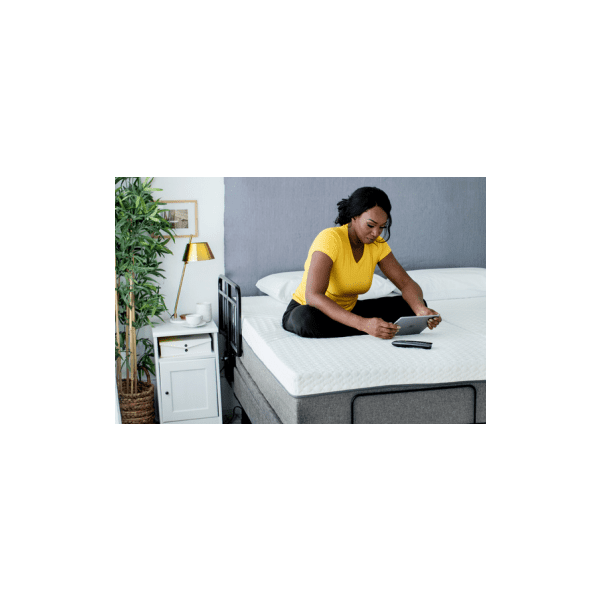
Harmony Bluetooth Adapter from Golden Technologies   Connect the Harmony 3 or Hi Low bed easily to your smart devices

Need help choosing?Talk to a BlueBay mobility specialist, Mon–Fri 9–5 PT

Call 1-888-959-0072

Description

Harmony Bluetooth Adapter

Getting Started:

  1. On your smart phone or tablet download the ‘Comfort Enhancements Plus’ app
  2. Make sure the Bluetooth feature is turned on your
    smart device
  3. Locate the outlet labelled ‘secondary’ on the
    Harmony 3 or Harmony Hi Low control box
  4. Connect the Harmony Bluetooth adapter to the
    control box by plugging it into the ‘secondary’
    outlet
  5. Unplug the bed from the power source for 2
    minutes to reset the control box
  6. Plug the bed back into the power source
  7. Follow the instructions on the app to connect the
    Harmony Bluetooth adapter to your device
  8. Control your Harmony bed remotely using the app
    on your device
 

Reviews

There are no reviews yet.

Be the first to review “Harmony, Bluetooth Adaptor for Harmony 3 and Hi Low Beds, BLUETOOTH”

Your email address will not be published. Required fields are marked *

Have a question about this product?Ask our AI assistant – instant answers from this product's details.
AI answers can make mistakes – please confirm important details with our team. Not medical advice.

Send your question to our team – we'll reply by email, usually within one business day.